
How to use the USB camera module? Introduction of the USB camera module
Introduction to the use of the USB camera module
USB Camera ModuleIt is an efficient and reliable image acquisition device, widely used in digital cameras, video conferencing systems, smart home devices and other fields. The USB camera module can be connected to a computer or other devices via a USB cable to achieve high-definition video and audio transmission, and supports the UVC protocol, so there is no need to install additional drivers during use, which is very convenient.
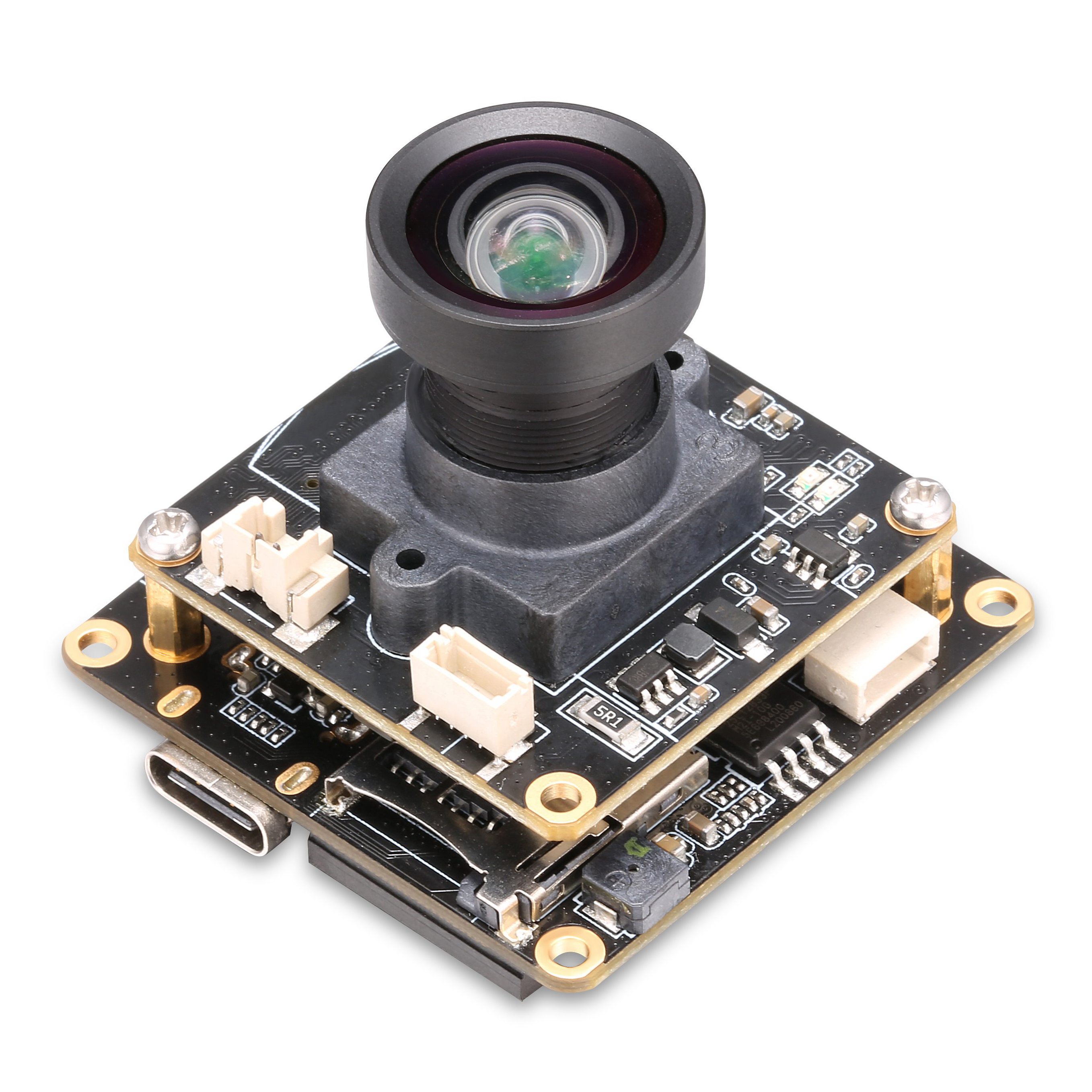
To use the USB camera module, you first need to use a USB cable to connect the module to the USB port of a computer or other device. After the connection is successful, the computer or device will automatically detect the module and start the relevant application. Next, you can start using the USB camera module for image acquisition.
byHuaxing VideoTake the G1 camera module developed by us as an example. There is a USB Type-c interface on the camera motherboard. Through this interface, you can connect the computer with a USB cable. It will enter the U disk mode by default. You need to short press the power button on the right to enter the PCCAM mode. At this time, you can get the camera image in real time through the Amcap tool and PotPlayer player. At the same time, the G1 camera module also supports the computer's built-in camera to output images. The files recorded and photographed in the computer camera tool are stored in the computer's photo album.
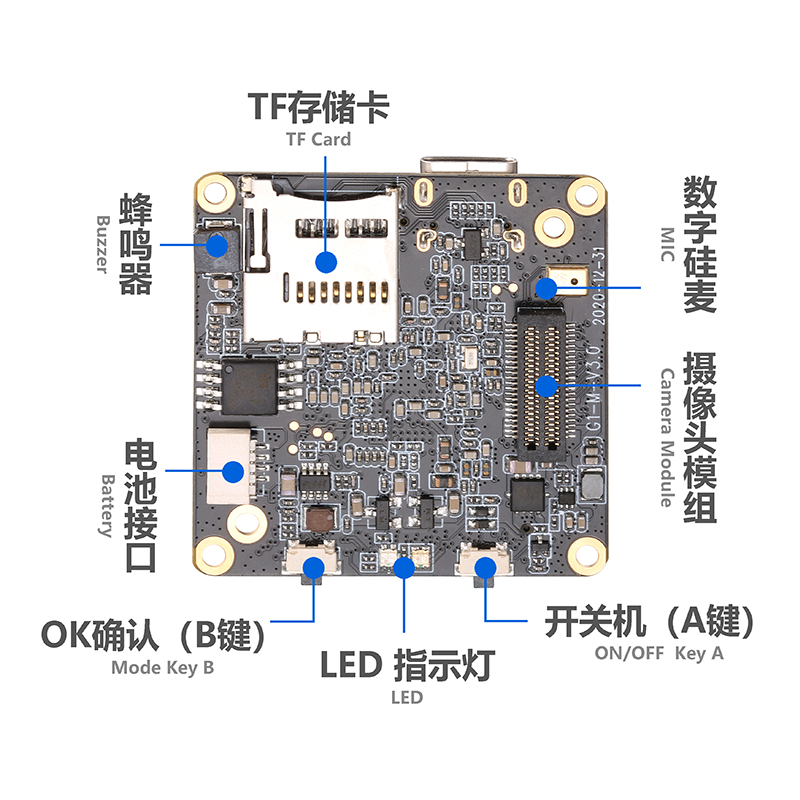
During use, you can set and adjust the parameters of the header according to specific needs. For example, you can use the Amcap tool and PotPlayer player to set parameters such as resolution, frame rate, compression format, etc. to optimize and adjust the image to achieve the best effect.
In general,USB Camera ModuleIt is a very convenient and practical image acquisition device, which has important application value in intelligent manufacturing, video conferencing office applications and consumer electronics. By reasonably adjusting parameters and optimizing settings, clear, stable and vivid video and audio content can be obtained, making people's lives more colorful.