G1 Camera Module Debugging Serial Port Setup Instructions
Camera Module Debugging Serial Port Setup Instructions
The G1 camera module is a full-featured camera module combination developed by Huaxing Video based on the V39M chip of iCatch Technology, including the camera core motherboard,Camera module, a WIFI expansion board/network expansion board can be added according to the needs. G1 camera module, supports Uart serial port protocol, and can be debugged through the serial port.The following is a description of the specific steps for setting up the debugging serial port:
Conditions of use: One computer,G1Camera Module, use Huaxing Video to specifyType-C adapter board(TYPE-C-ZJB V1.0), serial port board.
For the first time use, you need to install "SecureCRTPortable.exe"Serial port tools.SecureCRTPortable】Note: Install the corresponding tools according to the type of computer system used, 32-bit or 64-bit.
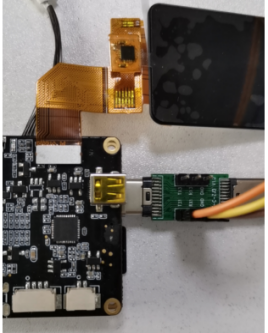
G1 camera module powered on, the serial boardGND、RXD、TXDConnect totype-CAdapter PlateGND、TX1、RX1Location.type-CPlug the adapter board intoG1Camera motherboardType-CInterface location.As shown in the following figure:

In the computer "Computer" "Management" "Device Manager" read the port such as:COM3, as shown below:

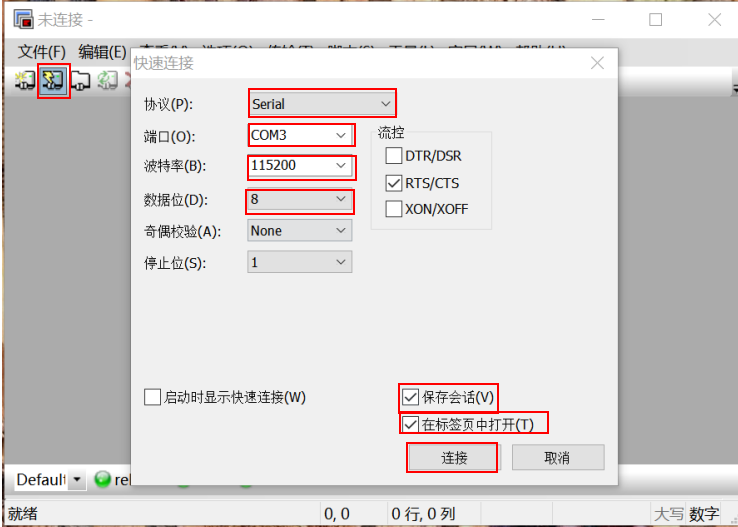
OpenSecureCRTPortableTool, add the identified port number, as shown below:
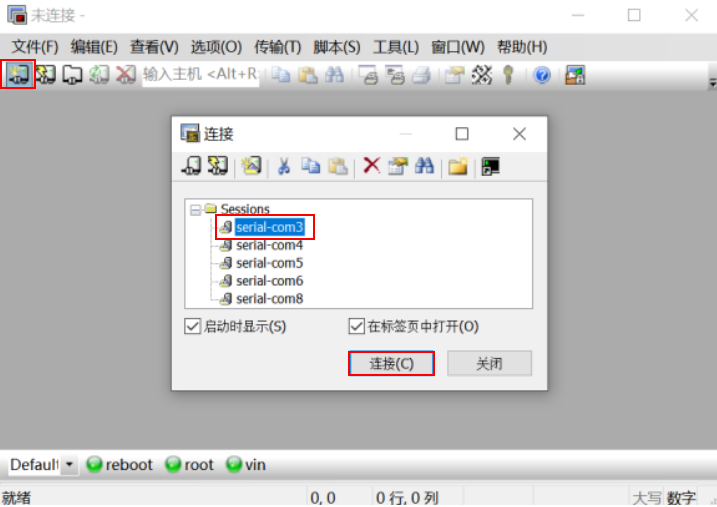
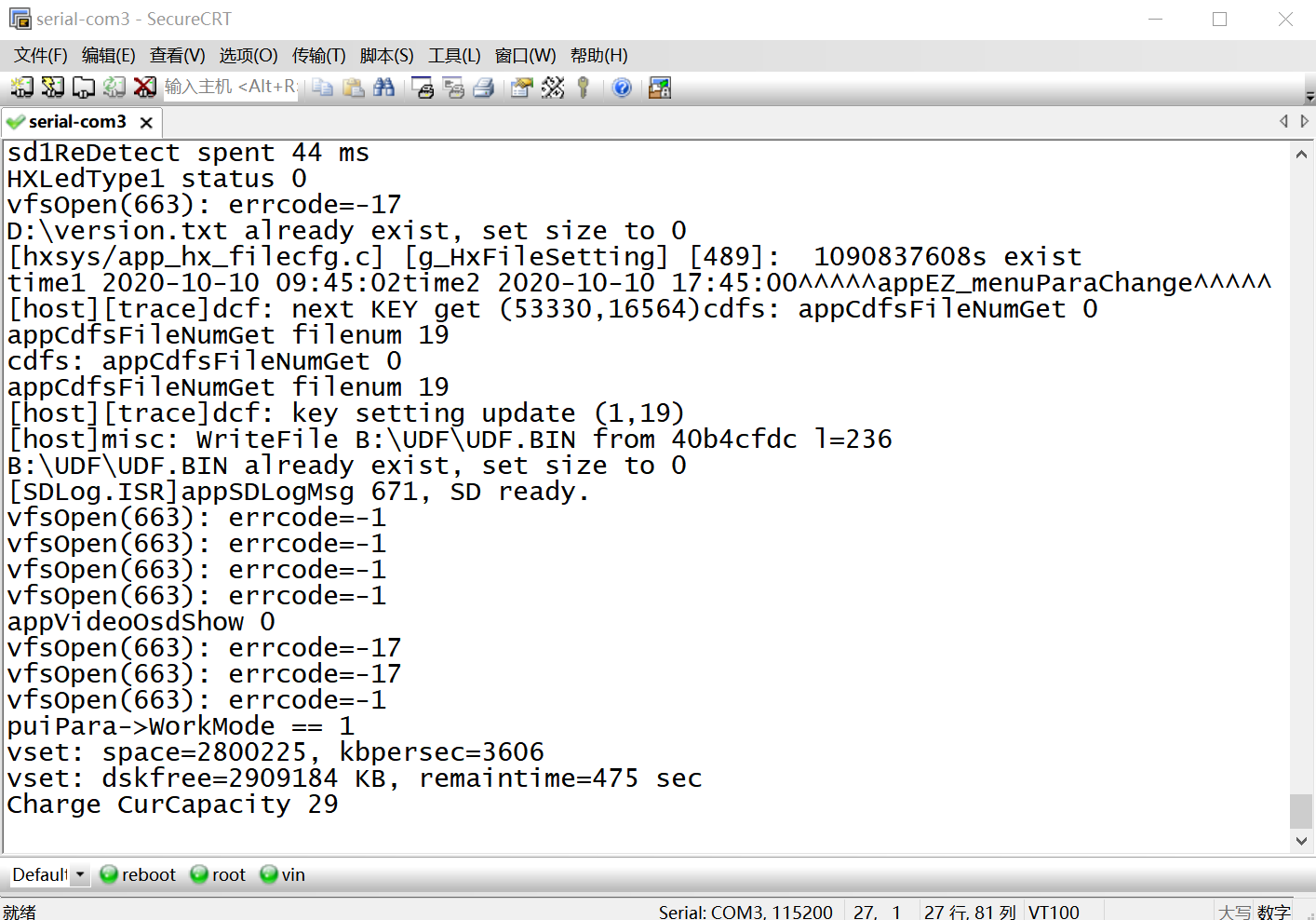
Enter the port number that has been added againCRTTools, select "Connect", select the port number, and then click Connect to enter the serial port, as shown below: